
A weekly meeting is the heartbeat of most teams. Once a week, everyone looks back at what happened, agrees on what matters next, and solves the problems that can’t be handled over email. With a consistent agenda it takes 30 to 45 minutes; without one, it easily drifts into an hour of status updates.
Here you’ll find free weekly meeting agenda templates in Microsoft Word for team, staff and project meetings, a sample weekly team meeting agenda, and a simple four-week rotation plan that keeps a recurring meeting useful month after month.
Free weekly meeting agenda templates
Pick a format for your weekly team or staff meeting, download it, and save it as your recurring agenda. Each week, copy the previous agenda, update the dates and topics, and share it with your team.
Best Weekly Meeting Agenda Template for Managers
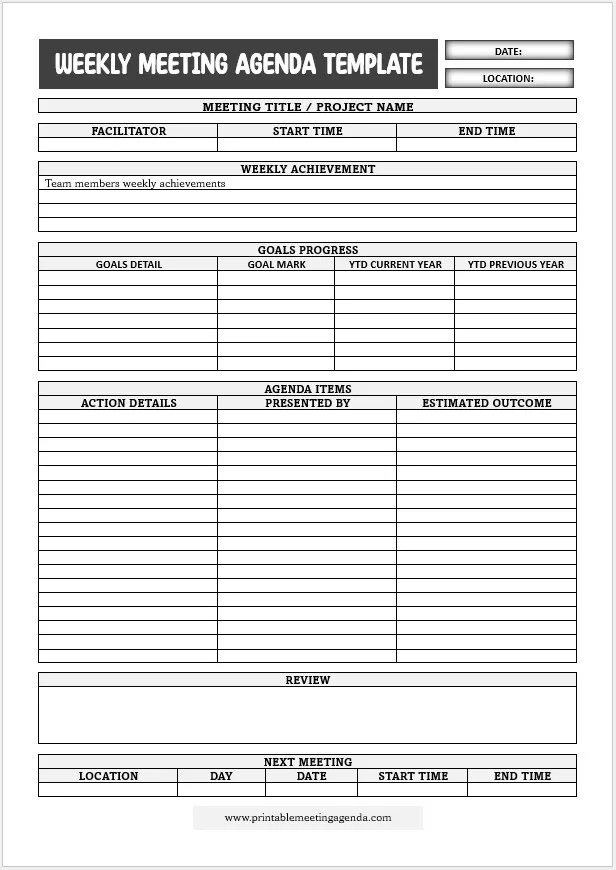
File Type: MS Word {Zip File}
File Size: 23 KB
Professional Weekly Team Meeting Agenda Format
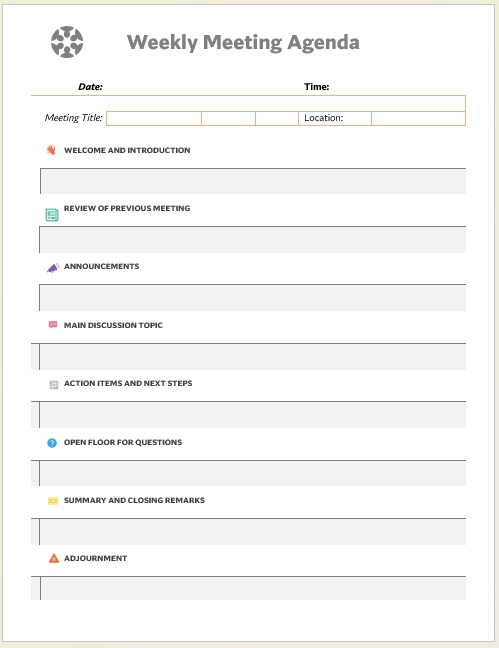
File Type: MS Word {Zip File}
File Size: 187 KB
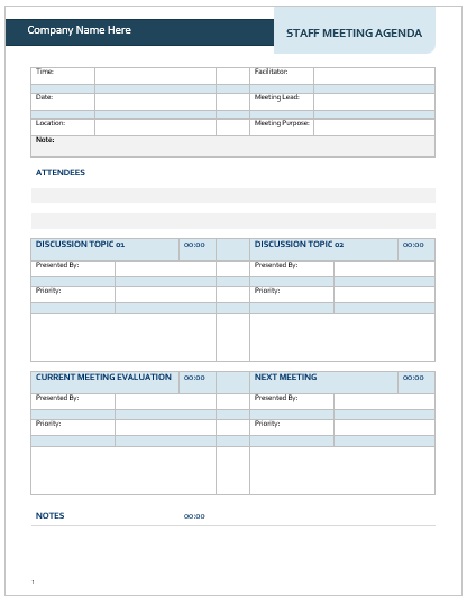
Weekly Meeting Agenda Structure Template
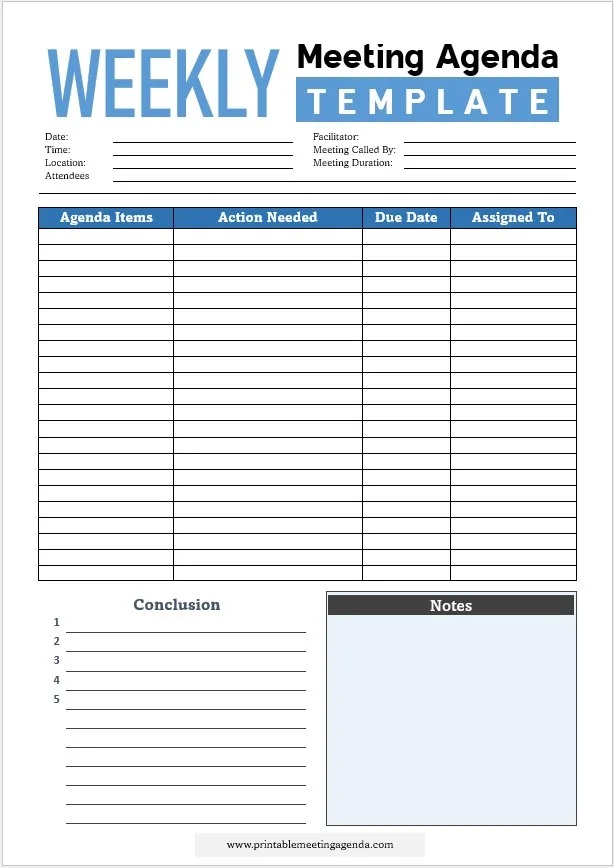
File Type: MS Word {Zip File}
File Size: 25 KB
Weekly team meeting agenda example
This 45-minute Monday meeting for a product team follows the same pattern every week: celebrate wins, check last week’s actions, review the numbers, plan the week, and solve one real problem.
Harbor Software, Product Team
Weekly Team Meeting Agenda
Objective: Confirm the release date for version 2.3
| Time | Item | Lead |
|---|---|---|
| 9:30 | Wins from last week | All |
| 9:35 | Last week’s action items | Tom |
| 9:40 | Weekly metrics review | Lena |
| 9:50 | Priorities for this week | All |
| 10:00 | Decision: version 2.3 release date | Tom |
| 10:10 | Action items and owners | Note-taker |
Next meeting: Monday, 16 November, 9:30 AM
The first four items stay the same every week, so the team always knows what to prepare. Only the discussion topic changes, which keeps each meeting focused on something new.
A simple structure for any weekly meeting
Almost every good weekly meeting follows four steps. Use them as the backbone of your weekly meeting format and adjust the times to fit your team:
- Look back (about 20% of the time). Wins from the week and a quick check of last week’s action items. Did everyone do what they said they would?
- Check the numbers (about 15%). Two to five key metrics, compared with last week and the target. Flag anything that is off track.
- Look ahead and solve (about 50%). Priorities for the coming week, deadlines, and one or two discussion or decision items. This is where the real value of the meeting is.
- Commit (about 15%). Read back every action item with its owner and due date, and confirm the next meeting.
For a 30-minute meeting, that works out to roughly 6, 4, 15 and 5 minutes. For 45 minutes, 9, 7, 22 and 7.
Monday planning or Friday review?
A Monday meeting is best for planning. The team starts the week with shared priorities, and problems can be solved before they cause delays. The downside is that people need time on Monday morning to catch up first, so late morning usually works better than 9:00 AM.
A Friday meeting is best for reviewing. The team can reflect on the week, celebrate wins and record lessons while they are fresh. The downside is energy: Friday afternoon meetings are often rushed, and plans made on Friday are easily forgotten by Monday.
Many teams find that Tuesday or Wednesday morning is a good middle ground: the week is under way, but there is still time to act on decisions.
Keep weekly meetings fresh with a four-week rotation
Recurring meetings get stale when every week is identical. A simple fix is to keep the core agenda the same and add one rotating 10–15 minute focus that changes each week of the month:
| Week | Rotating focus | Example agenda item |
|---|---|---|
| Week 1 | Goals and results | Review progress on monthly or quarterly goals |
| Week 2 | Process improvement | Fix one thing that slows the team down |
| Week 3 | Learning | A team member shares a skill, tool or lesson |
| Week 4 | Team health | Retrospective: what went well, what to change |
Over a month, the team covers results, processes, skills and wellbeing without ever needing an extra meeting.
12 questions to ask in your weekly meeting
These questions help turn updates into useful conversation. Use a few each week.
- What was our biggest win last week?
- Which action items from last week are still open, and why?
- Are our key numbers on track? If not, what changed?
- What are the three most important things this week?
- Which deadline is most at risk?
- Is anyone blocked or waiting on someone else?
- Does anyone have too much work, or room to help?
- What decision do we need to make today?
- What did we learn from a customer this week?
- Is there anything we should stop doing?
- What do other teams need from us?
- Was this meeting a good use of everyone’s time?
Weekly agendas for different teams
Weekly staff meeting
For offices, schools and small businesses where the whole staff meets weekly. See our staff meeting agenda templates for monthly and all-hands formats.
- Announcements and calendar for the week
- Updates from each department or year group
- One discussion topic that affects everyone
- Staff recognition
- Questions and reminders
Weekly project status meeting
For project managers and project teams tracking delivery. For more detailed formats, see our project meeting agenda templates.
- Milestones completed since last week
- Schedule and budget status
- Risks and issues, with owners
- Tasks due in the next two weeks
- Decisions needed and action items
Weekly sales meeting
For sales teams reviewing pipeline and targets. See our sales meeting agenda templates.
- Deals closed and wins from last week
- Progress against weekly and monthly targets
- Pipeline review: key deals and next steps
- Objections, lost deals and lessons
- Focus accounts and goals for this week
Weekly leadership meeting
For managers and department heads. See our management meeting agenda templates.
- Company metrics and performance
- Updates and issues from each department
- Cross-team problems and dependencies
- Decisions needed from the leadership team
- Messages to share with staff
Weekly remote team meeting
For fully remote or hybrid teams working across locations and time zones.
- Quick round: one word on how everyone’s week is going
- Review of written updates shared before the meeting
- Questions about the updates
- One discussion or decision item
- Action items, posted in the team chat after the call
Tips for running weekly meetings
- Use one running agenda document. Add each week’s agenda and notes to the top of the same file, so past decisions are always easy to find.
- Collect topics during the week. Let team members add items to the next agenda whenever something comes up.
- Move status updates to writing. Ask people to post short updates before the meeting and use the meeting time for discussion.
- Keep the same day and time. A predictable slot protects the meeting from being cancelled or constantly moved.
- Cancel when there is nothing to discuss. A cancelled meeting with a written update is better than a meeting with no purpose.
- Rotate the facilitator. Letting different team members run the meeting builds skills and keeps it lively.
- Record action items. Use a meeting minutes template and review the actions at the start of next week’s meeting.
Frequently asked questions
What is a weekly meeting?
A weekly meeting is a recurring meeting held on the same day each week, where a team reviews progress, sets priorities for the coming week, solves problems and agrees on action items.
What should be discussed in a weekly team meeting?
A weekly team meeting should cover wins from the past week, last week’s action items, key metrics, priorities and deadlines for the coming week, one or two discussion or decision topics, and new action items with owners.
How long should a weekly meeting be?
Most weekly meetings work best at 30 to 45 minutes. If yours regularly runs longer, move status updates to a written report before the meeting.
What is the best day for a weekly meeting?
Monday is best for planning the week and Friday for reviewing it. Tuesday or Wednesday morning is often the best compromise, because the week is under way but there is still time to act on decisions.
What is the difference between a weekly meeting and a daily stand-up?
A daily stand-up takes 15 minutes or less and covers only what each person did, will do and what is blocking them. A weekly meeting is longer and leaves time for metrics, planning and real discussion.
How do I make a weekly meeting less boring?
Keep status updates short or written, rotate the facilitator, start with wins, and add a rotating focus each week such as a learning session or a retrospective. Ask the team every few months what they would change.
Related meeting agenda templates
You may also need a team meeting agenda, one-on-one meeting agenda, staff meeting agenda or project kickoff meeting agenda. Or browse all meeting agenda templates.
Pingback: Project Kickoff Meeting Agenda Template + Checklist (Free)
Pingback: Sales Meeting Agenda Template (Free Word) + 40 Topic Ideas